


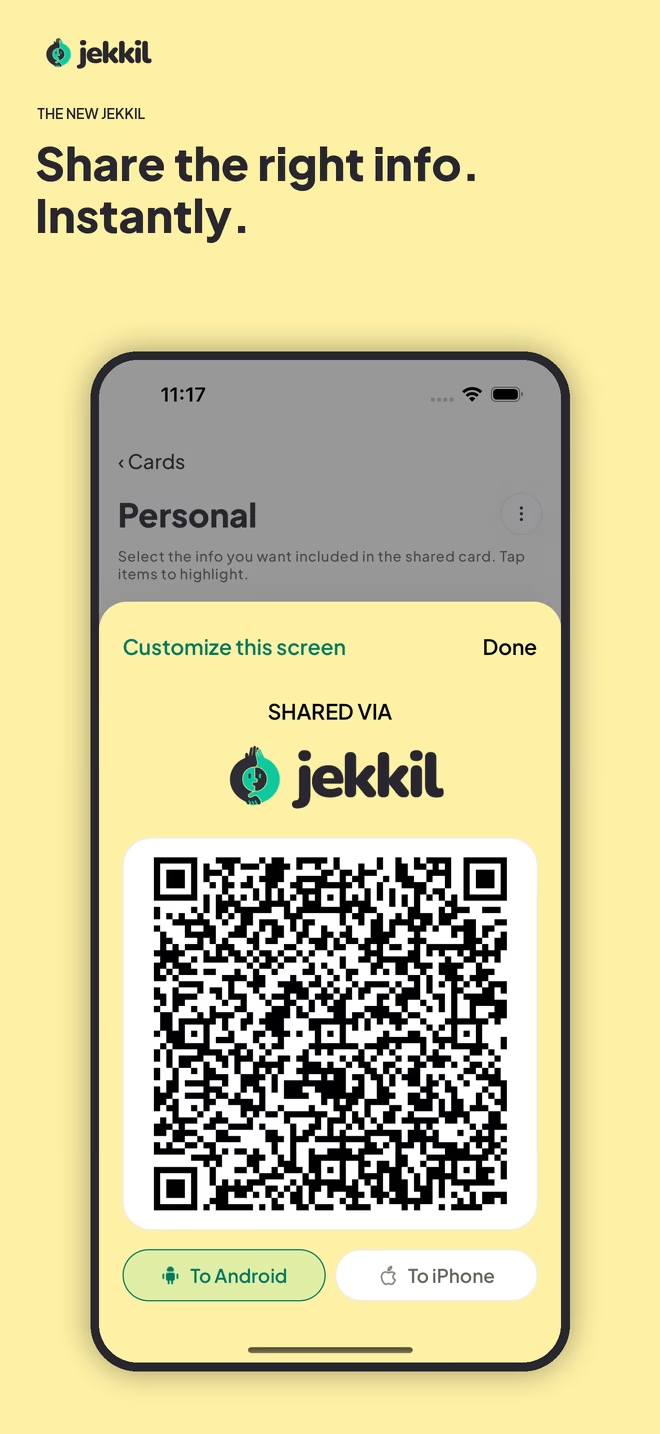
Contact sharing guide
How to share contact information with a QR code
Learn how contact QR codes work, what to include, and how to share the right details without asking the other person to install an app.
Read the guidejekkil field guides
Clear, practical guidance for sharing contact details, social links and professional information with QR codes.
Learn the useful parts
Contact sharing guide
Learn how contact QR codes work, what to include, and how to share the right details without asking the other person to install an app.
Read the guideBuyer’s guide
Compare the features that matter in a digital business card app: QR sharing, privacy, offline access, compatibility and selective contact cards.
Read the guidePrivacy guide
Understand how offline vCard QR codes can share selected contact details without publishing a profile or requiring an account.
Read the guideFormat explainer
A practical explanation of vCard QR codes, compatible contact fields, scanning, testing and common limitations.
Read the guideSocial sharing guide
Use one-tap QR codes to share Instagram, LinkedIn, WhatsApp, portfolios, music and other social links in person.
Read the guideEvent playbook
Prepare QR contact cards for conferences, meetups, classes and group introductions without slowing down the conversation.
Read the guideFree private tool
Enter the details you choose and generate a downloadable QR code locally in your browser.
Open the generatorReady for the next introduction?
jekkil is free to download for iPhone and Android. No account required.